
- Downloaded
- Upload
- Activate
- Turn on
Downloaded. Now 3 steps in WordPress.On your phone?
Nothing downloaded? Start it again
Plugins are installed from a computer. Send yourself the link and open it there. The download starts by itself.
Upload the zip
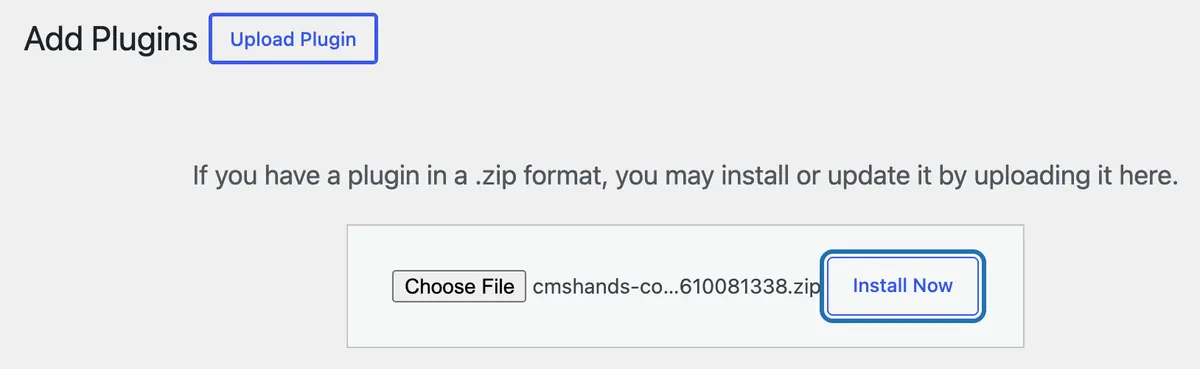
In WordPress: Plugins › Add Plugin › Upload Plugin (on older WordPress: Add New). Choose the zip as it is, then Install Now.
Activate it
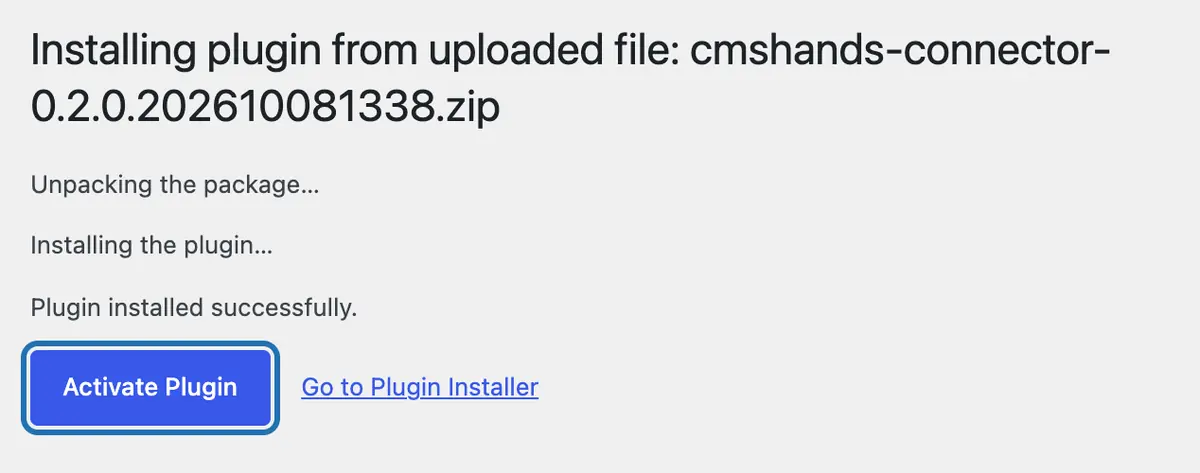
Press Activate Plugin.
Turn it on
Press Turn on CMSHands in the box at the top, then Start working in the chat that opens. It checks your site.



Then, on the computer
- Upload it in Plugins › Add Plugin › Upload Plugin
- Activate it
- Turn it on, then ask the chat for something
The email has these steps too.
Done. Then ask for something.
Type a change in your own words. Nothing happens until you press OK on its card.
Change the footer to say “© 2026 Linden Café”
On it. I'll read your footer first.
- Read the footer“© 2024 Linden Café · Powered by WordPress”
- Saved a copy, so it can be undone
- Getting the change ready
Stuck?
My Mac unzipped the file.
Safari opens zip files by itself. Download it again in another browser, or first turn off Safari › Settings › General › Open “safe” files after downloading.
There's no Upload Plugin button.
You need an administrator login. Some hosts and site builders switch plugin uploads off, and on WordPress.com only plans that allow plugins have the button. Your host can tell you.
WP says the plugin is already installed.
It's on your site already. Press Replace current with uploaded to use this copy, or go to Plugins and look for CMSHands Connector.
WP says my PHP or WP version is too old.
CMSHands works best on WP 6.3 or newer with PHP 8.0 or newer. It installs on older sites too, with fewer features: what works where. Your host sets the PHP version and can tell you how to change it.
Turn on didn't finish.
Press it again. If it stops again, write to us with your site's address and the message it showed.
Still stuck? Get help. A person reads every message.