
Import coupons in bulk from a CSV
CMSHands, a free WordPress plugin, adds a chat to your dashboard. On the paid plan, attach your coupon file: “Create the coupons in this file.” Nothing changes until you press.
Imports are part of Pro and Max. Free today: make one coupon by asking; that one can't be undone yet.
Works on sites hosted at





Watch it do this on a real site
You see it first
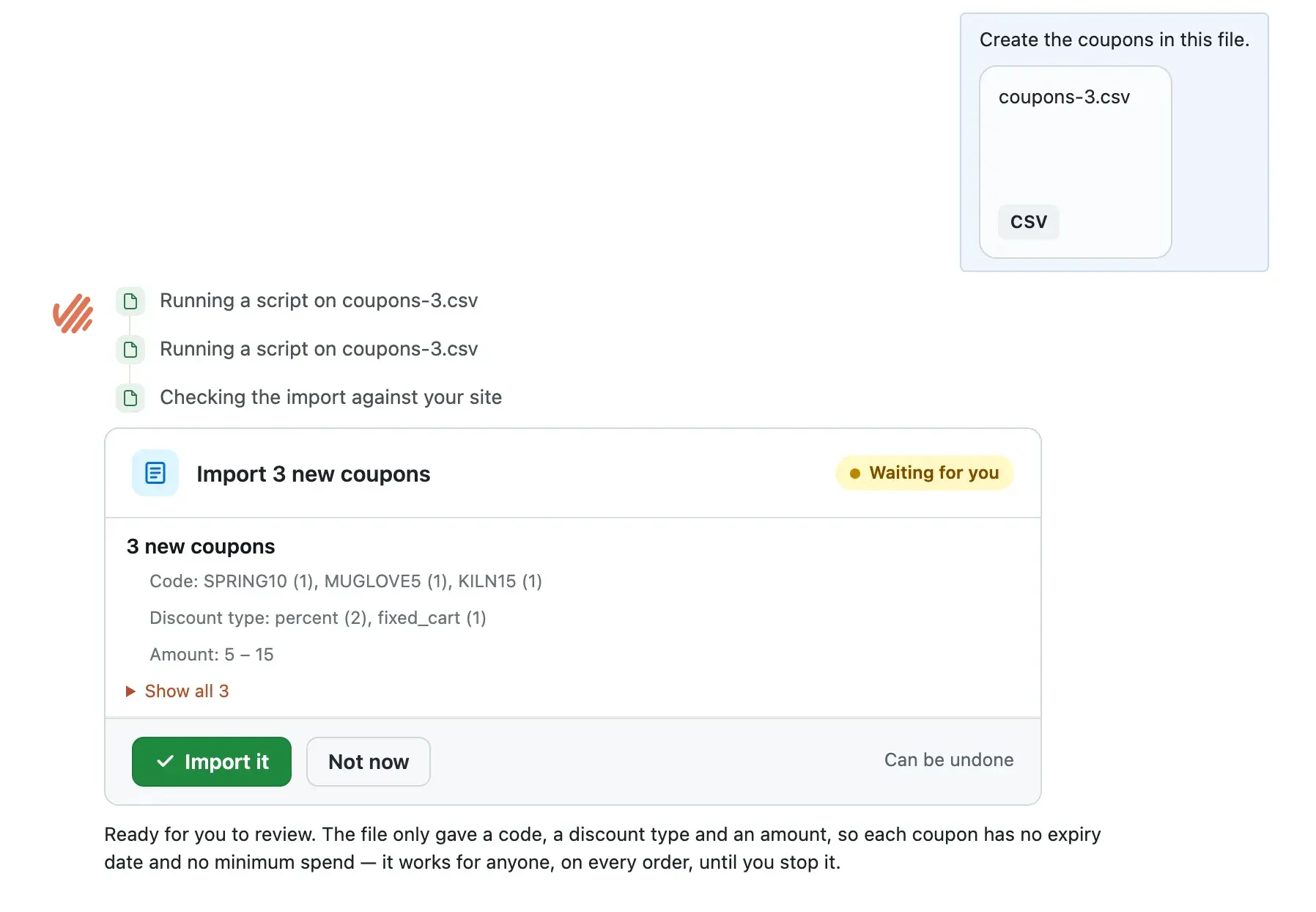
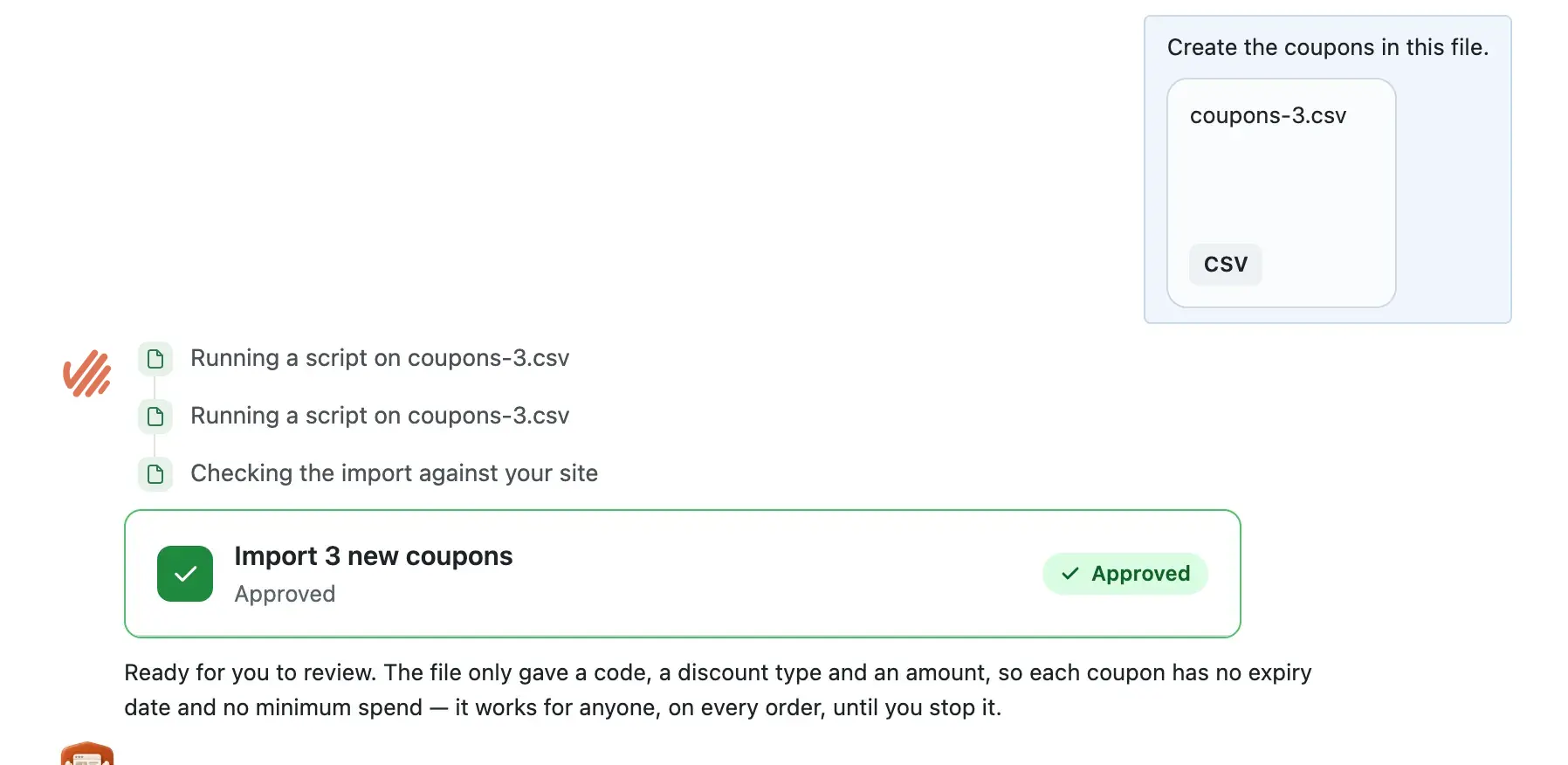
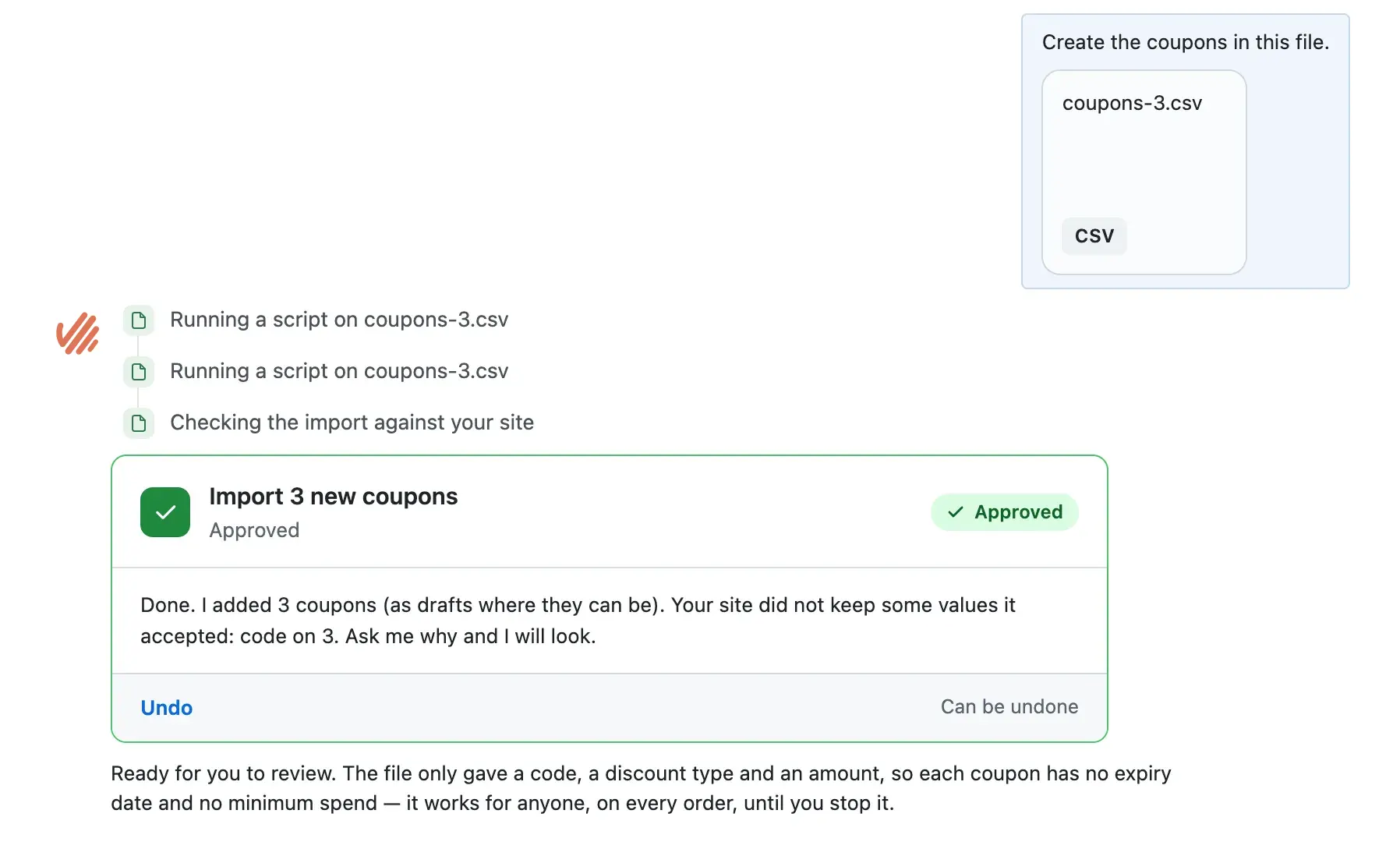
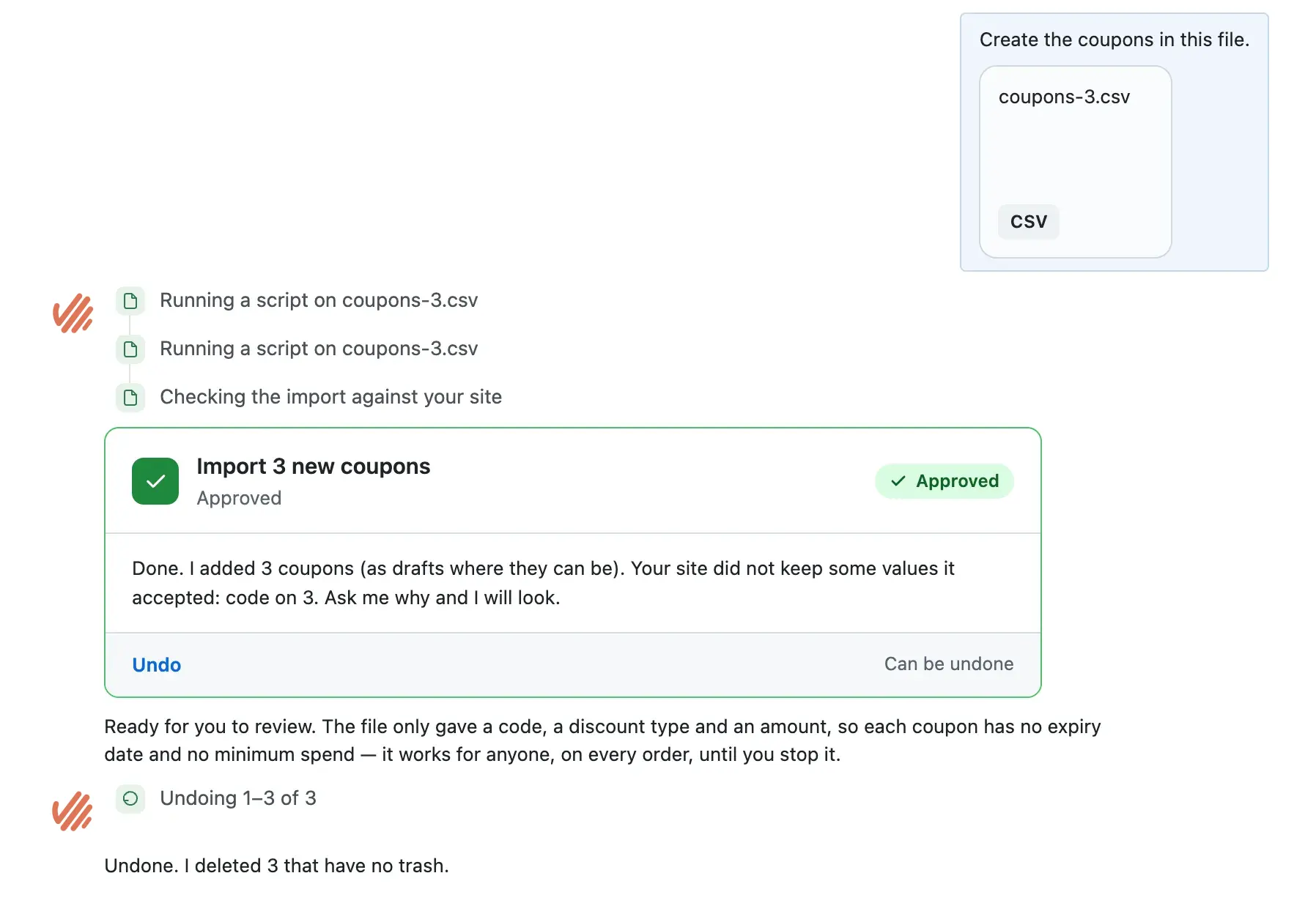
A real run on our test site, Quillmoor Pottery (WP 7.1.3, Twenty Twenty-Four), . From asking to done, it took 49 seconds. Imports are part of Pro and Max, from $20 a month.
- It reads your file and checks it against your store. Then it shows one card, a box in the chat that shows exactly what would change: every new code, its type and amount.
- It says what your file left out. Ours had no end dates, so it warned that each code works on every order until you stop it.
- One press adds them all, live, not as drafts. Its last message may wrongly say your store didn't keep the codes. It did.
More it does here (1)
- Undo on the same card deletes them all again. Coupons have no trash, so undone codes are gone for good.
Do this on your own site
That's the whole job, on Pro or Max, from $20 a month. The plugin is free today: 3 changes to try it, no account. Nothing changes until you press the button.
How to add store coupons in WordPress yourself
In WordPress, go to Marketing › Coupons, press Add coupon, type the code, discount type and amount, then press Publish, once for each code.
Updated , checked on WP 7.1,
1. In your dashboard, go to Marketing › Coupons. Your store can't import coupons, so you add one code at a time.
2. Press Add coupon at the top of the list.
3. Type the code in the Coupon code box at the top, for example SPRING10.
4. On the General tab below, set Discount type to Percentage discount and type 10 in Coupon amount.
5. Pick a date in Coupon expiry date. The code stops working at midnight as that day starts, so pick the day after its last day.
6. Open the Usage limits tab and type how many times the code can be used in Usage limit per coupon.
7. Press Publish. Then go back to Marketing › Coupons and repeat these steps for the next code in your sheet.
WooCommerce saves every code in small letters, so SPRING10 shows as spring10 in your coupon list. Shoppers can type it either way at checkout. That's also why the chat's last message can wrongly say a code wasn't kept. WooCommerce is a trademark of Automattic Inc.
Or ask for it in the chat
“Create the coupons in this file.”
Why it won't wreck your site
- Nothing changes until you press the button. Every change comes as a card that names it. Nothing happens until you press the button or Not now.
- One click undoes it. When something can't be undone, like deleting a page or a plugin, the card says so before you press.
What it won't do here
- Imports need Pro or MaxOn the free plan, use the steps above, or ask the chat for one coupon at a time. That one can't be undone yet.
- Coupon settings we haven't triedOur test file gave a code, a discount type and an amount. We haven't tried end dates, use limits, minimum spend or product limits yet.
- Removing coupons from a fileIt adds the codes a file lists. It can't remove the coupons a file lists.
- Writing coupons out to a CSVIt can't export your coupons to a sheet.
More it can do
- Your shop:
Make a coupon
“Make a coupon code AUTUMN for 10% off the whole order.”
It took 13 seconds on our test site. - Store imports:
Customers from a file (paid plan)
“Import my customer list into WooCommerce.”
It took 1 minute 5 seconds on our test site. - Your shop:
Change a price by asking
“Change the price of the Speckled oat mug to $34.”
It took 15 seconds on our test site. - Your shop:
See what sold this week
“What sold this week? Show me the orders and the total.”
It took 16 seconds on our test site.
Questions
Can WooCommerce import coupons from a CSV?
No, not on its own. WooCommerce's built-in importer handles products only. Coupons go in one at a time under Marketing › Coupons, or through a separate plugin. In the CMSHands chat you attach the file and check one card that lists every code. That's on the Pro and Max plans. WooCommerce is a trademark of Automattic Inc.
What columns does a coupon CSV need?
One row per coupon, with at least the code. Our test file had 3 columns: code, discount_type and amount. Its types were percent and fixed_cart, a set amount off the whole order. The card showed each code with its type and amount. We haven't tried other columns, like an end date, yet.
Is there a plugin to import coupons from a CSV?
Yes. Since your store can't import coupons itself, you need a plugin for it, or you add them by hand. CMSHands is one: you attach the file in a chat, check one card that lists every code, then press once. Imports are on its Pro and Max plans.
Can I undo a coupon import?
Yes. Press Undo on the card. In our test run it deleted all 3 codes again and said: “Undone. I deleted 3 that have no trash.” So undone coupons don't wait in the trash; they're gone. We checked: no coupons were left in the shop.
Written by the CMSHands team. First published .
Try the free plugin on your own store
- 1. Download the plugin.A free zip file
- 2. Upload and activate it.Plugins › Add Plugin › Upload Plugin
- 3. Give CMSHands a task.Press Start working, then ask in your words
Works best on WP 6.3 or newer with PHP 8.0 or newer. What works on older sites